
Migration guide · Updated
WordPress to Framer migration for lean SaaS sites
How it works, in short
To migrate WordPress to Framer: confirm your post count fits Framer's CMS limits, export posts and convert them to CSV, rebuild the design in Framer, import posts into a CMS collection, recreate Yoast/Rank Math meta, and add 301 redirects for permalinks that change (on Framer Pro). A lean SaaS site typically moves in three to six weeks.
WordPress to Framer is a popular move for early-stage SaaS companies whose WordPress theme no longer reflects the brand, and whose team would rather design than maintain plugins.
Framer is a great destination for a lean marketing site. It's a poor one for a 2,000-post content library. The first step is deciding which of those you have.
Before you start
What moves, and what doesn't
Why teams move to Framer
- Design-quality site without a developer
- No plugins, updates or hosting to manage
- Fast pages served from a global CDN
- Designers and marketers edit together in real time
- Blog posts
- Export from WordPress, convert to CSV and import into a Framer CMS collection.
- Pages
- Rebuilt in Framer. Themes and page-builder layouts don't transfer.
- Custom post types
- Model as additional Framer collections, within plan caps.
- SEO plugin data
- Export Yoast/Rank Math titles and descriptions into CSV columns.
- Plugins
- No equivalent. Replace forms, search and gated content with embeds or drop them.
Step by step
How to migrate from WordPress to Framer
- Step 1
Decide what to migrate
Framer Pro includes 2,500 CMS items and 150 pages before add-ons. Prune before you port.
- Rank posts by traffic and links from Search Console and Ahrefs
- Consolidate or retire thin posts, and redirect them to stronger pages
- Confirm the remaining count fits your Framer plan
- Step 2
Export and clean content
Convert the WordPress export to a clean CSV.
- Export posts and SEO fields (WP All Export or the REST API make this easier)
- Strip shortcodes and page-builder markup from post bodies
- Keep slugs and publish dates
- Step 3
Design and build in Framer
Rebuild the site from your design files using Framer components.
- Set up styles, components and responsive breakpoints
- Build the blog collection page at the same /blog path
- Build static pages and forms
- Step 4
Import, redirect and launch
Bring the content in and protect your rankings.
- Import the CSV and check formatting on top posts
- Add 301s for date-based permalinks, categories and retired posts
- Switch DNS, submit the sitemap, monitor 404s and rankings
SEO preservation
Keep your rankings: map every URL
Most traffic lost in a migration comes from URLs that change without a 301 redirect. These are the WordPress URL patterns we see most often and where they should go on Framer.
| Old WordPress URL | New Framer URL | Note |
|---|---|---|
| /2024/05/onboarding-emails/ | /blog/onboarding-emails | Date-based permalinks need redirects; set them up on Framer Pro. |
| /category/product/ | /blog | Drop thin category archives and redirect them to the blog index. |
| /old-thin-post/ | /blog/stronger-related-post | Pruned posts redirect to their closest replacement. |
WordPress → Framer SEO checklist
- Prune and consolidate content before migrating to stay within Framer's caps
- Export Yoast/Rank Math meta explicitly; it's not in the default export
- Keep the /blog base path and post slugs identical
- Redirect date-based permalinks, categories and pruned posts (Framer Pro)
- Replace /wp-content/uploads/ links in post bodies
- Check heading levels on Framer templates and re-add structured data
Typical timeline
- Content audit and pruningWeek 1Traffic ranking, consolidation decisions, URL map.
- Design and buildWeeks 2–4Framer components, templates and pages.
- Import and launchWeeks 4–6CSV import, redirects, DNS, monitoring.
Timelines assume a typical SaaS marketing site and quick feedback. Large archives and heavy redesigns take longer.
Risks
What goes wrong, and how to avoid it
Content library exceeds Framer's limits
Prune first, budget for add-ons, or choose Webflow instead.
SEO meta lost in export
Export plugin fields explicitly and map them to collection fields.
Plugin functionality disappears
Inventory front-end plugins and replace or retire each one deliberately.
Website Rebuild
Want us to handle the move to Framer? Redirects included.
Our fixed-price Website Rebuild includes the migration: URL audit, content move, redirect map and post-launch monitoring, with a new design on Framer. The base scope typically ships in four to six weeks.
Related services
Before you decide
Other migration guides
Not sure if Conversion Factory is the right fit?
Let’s chat. We’ll answer all your questions and give you an honest assessment on if we can add substantial value to you.
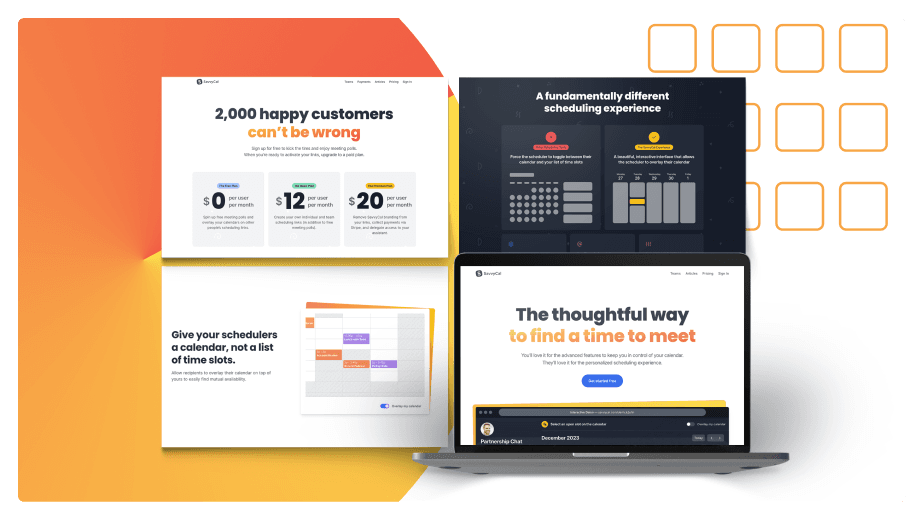
SavvyCal
23× MRR growth

Senja
17% conversion lift
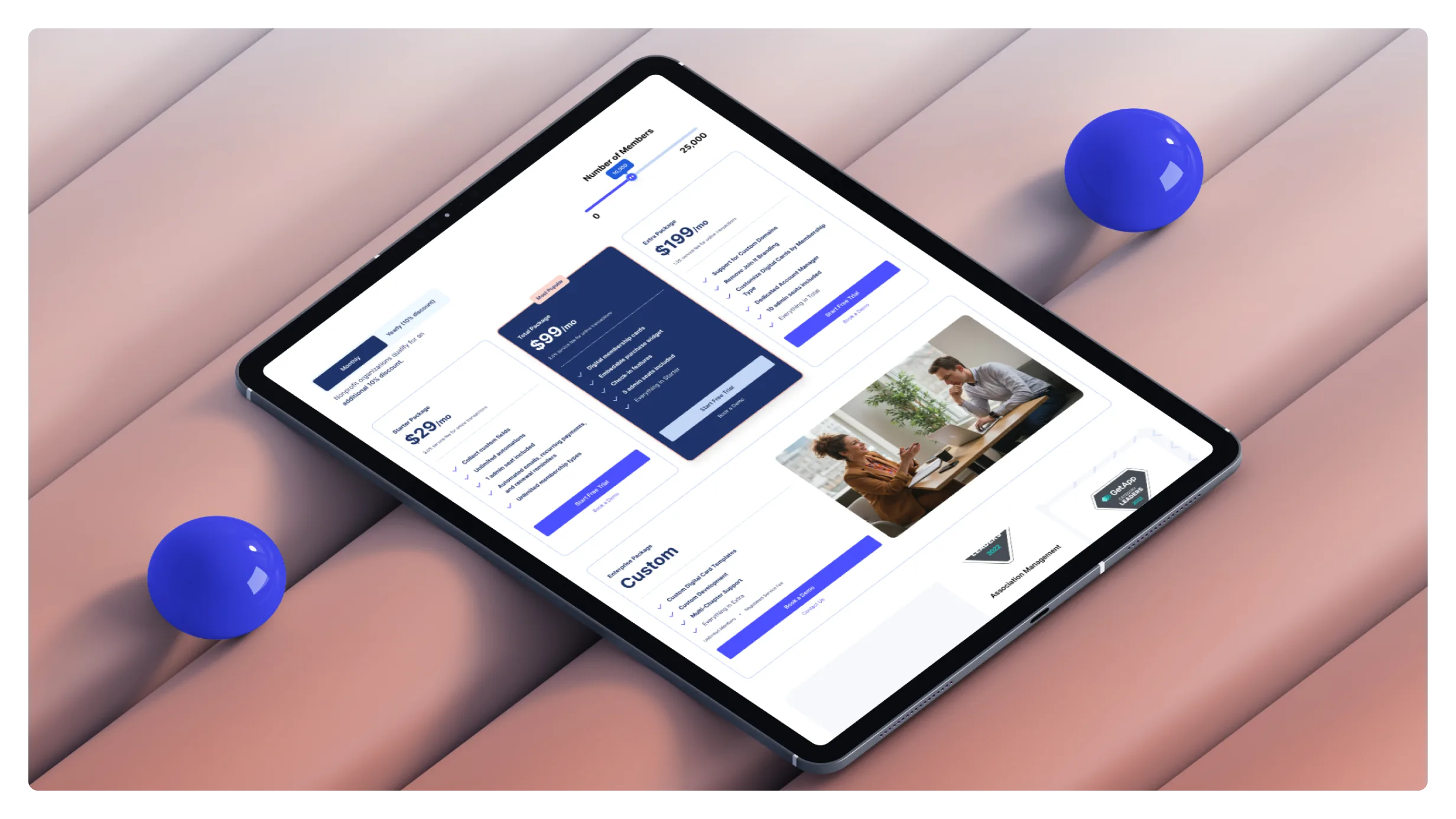
Join It
43% More conversions



100+ startups trust Conversion Factory